Edit text visually
Add text or replace detected PDF text, then control font, size, emphasis, alignment, lists, colours and background.
Make documents feel finished.
Add or replace text, sign documents, rearrange pages and export a polished PDF from one focused workspace.
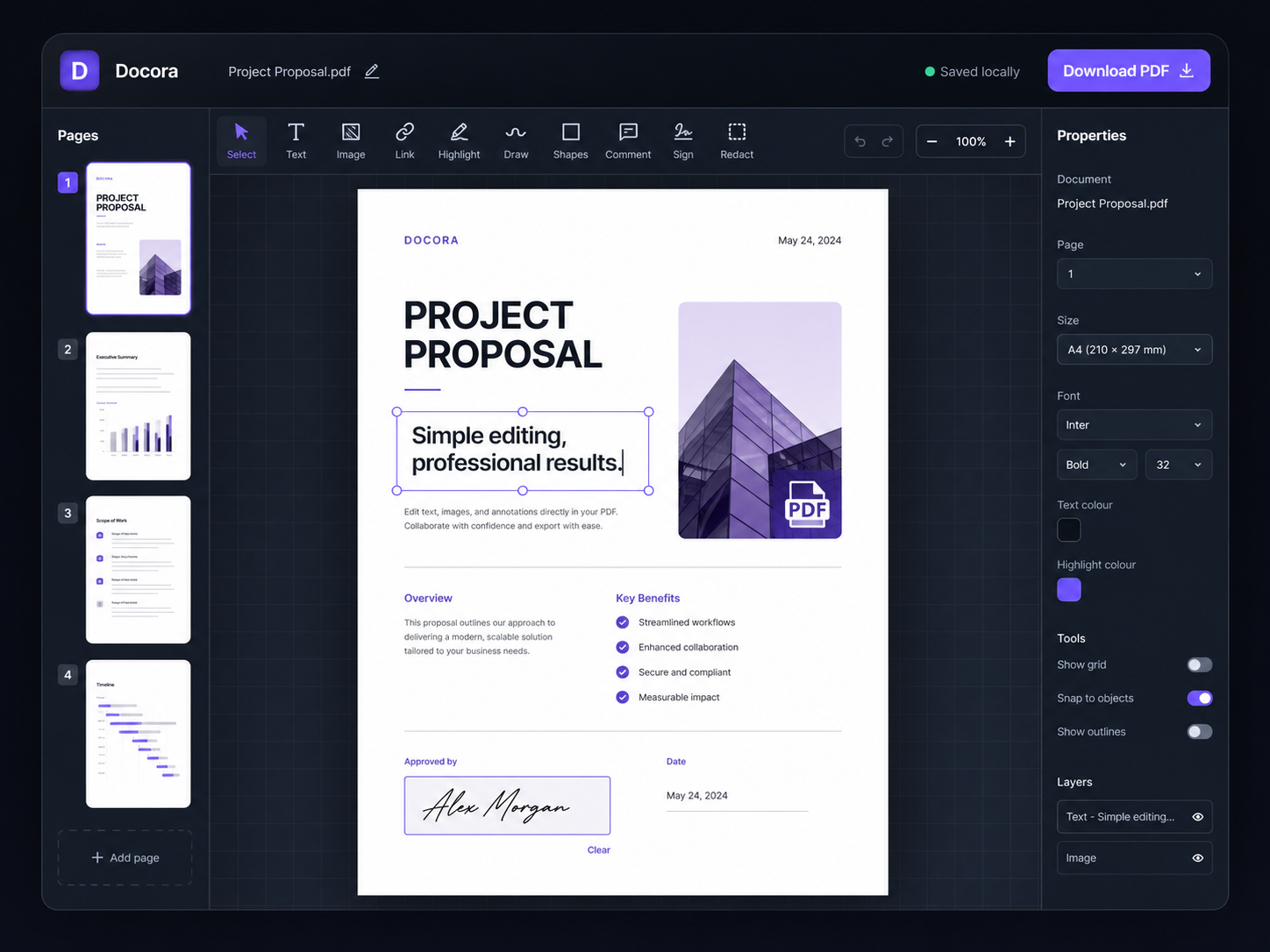
Docora keeps the tools people use most within reach, without turning the screen into a maze of controls.
Add text or replace detected PDF text, then control font, size, emphasis, alignment, lists, colours and background.
Draw a signature, add images, highlights, shapes, checkmarks and freehand notes.
See the full document at once, reorder with drag and drop, rotate, duplicate or remove pages.
Use context menus, keyboard shortcuts, multiple selection, grouping, guides and object alignment.
Local autosave restores the last session, while editable project files let you continue later.
The document itself is not uploaded to a Docora server. Editing, previews, autosave and export happen on the device you are using.
Drop a file or choose one from your device.
Select tools, click the page and position changes visually.
Export the edited document as a clean PDF.
Docora can detect many text items and replace them visually. Scans, outlined lettering, unusual embedded fonts and complex layouts may require whiteout-and-replace or a future OCR workflow.
The document is handled locally in the browser. Third-party libraries are currently delivered through established content delivery networks, but the PDF file itself is not sent to them by Docora.
Yes. Docora autosaves the current session locally and can export an editable .docora project containing the PDF and editing data.
The interface adapts to smaller screens with slide-out page and properties panels, a bottom tool strip and touch zoom support. Desktop remains the best option for precise document work.
No account, no complicated setup and no watermark.